![ICON - MAIN LOGO WHITE-2.png]](https://help.transactly.com/hs-fs/hubfs/ICON%20-%20MAIN%20LOGO%20WHITE-2.png?height=40&name=ICON%20-%20MAIN%20LOGO%20WHITE-2.png)
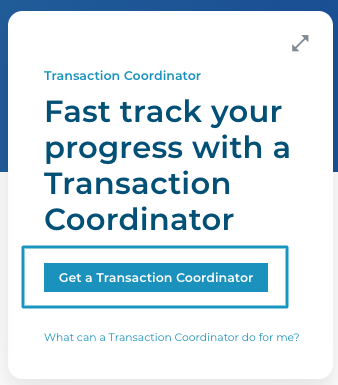
1. From your dashboard, choose to Get a Transaction Coordinator
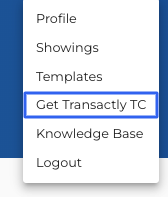
1A. Or from your profile menu in the top right corner
2. Choose your state

3. Choose

3. Submit an order
and a team member will contact you shortly
- Add Credentials and Add Preferred Vendors to your Profile to jumpstart the delegation with your TC
Questions about requesting a Transactly Coordinator?
Contact Support@transactly.com or chat us in the bottom right.