
1. Login as Admin and choose the Users tab

2. Add New or find the existing user you want to update

3. Check the box for "Is Transaction Coordinator"

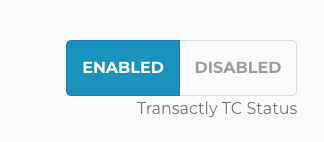
4. If this is a Transactly Coordinator: toggle to ENABLED
4A. For a Transactly Coordinator, the following boxes will populate
***DO NOT ADD A SALARIED DATE FOR A 1099 TC***
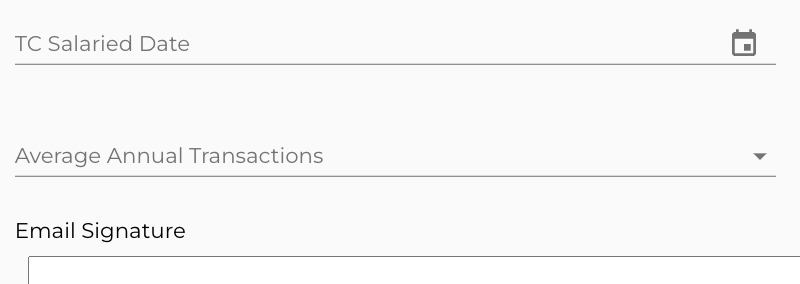
4B. If NOT a Transactly Coordinator, the TC salaried date will not show.
5. Save User

Questions about setting a user as a TC:
Reach out to Support@Transactly.com or chat us in the bottom right corner of the app.