
How to opt out Agents from receiving Transactly's automated Vendor Connection Service from the Admin Area
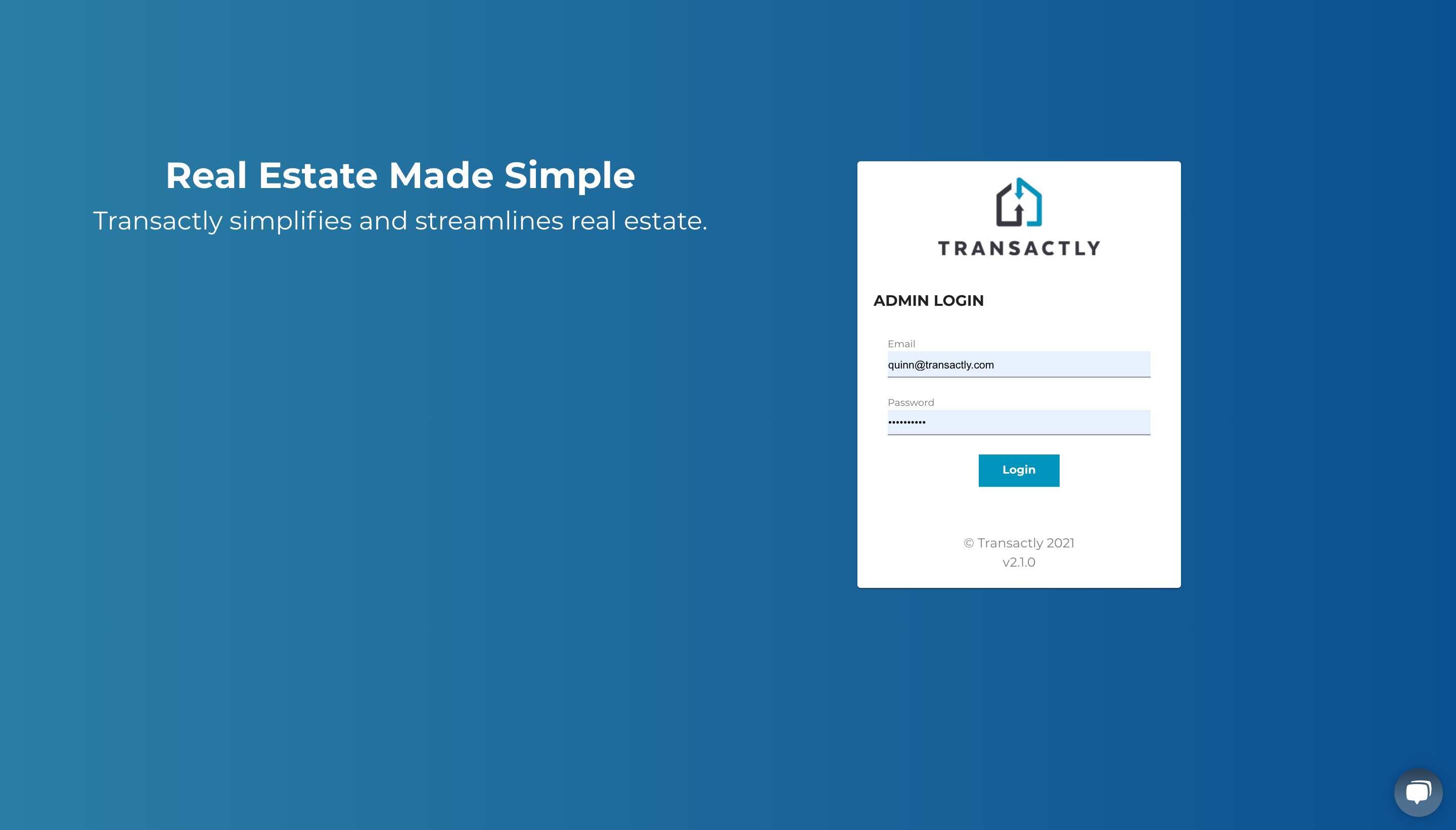
1. Login to the Admin Area
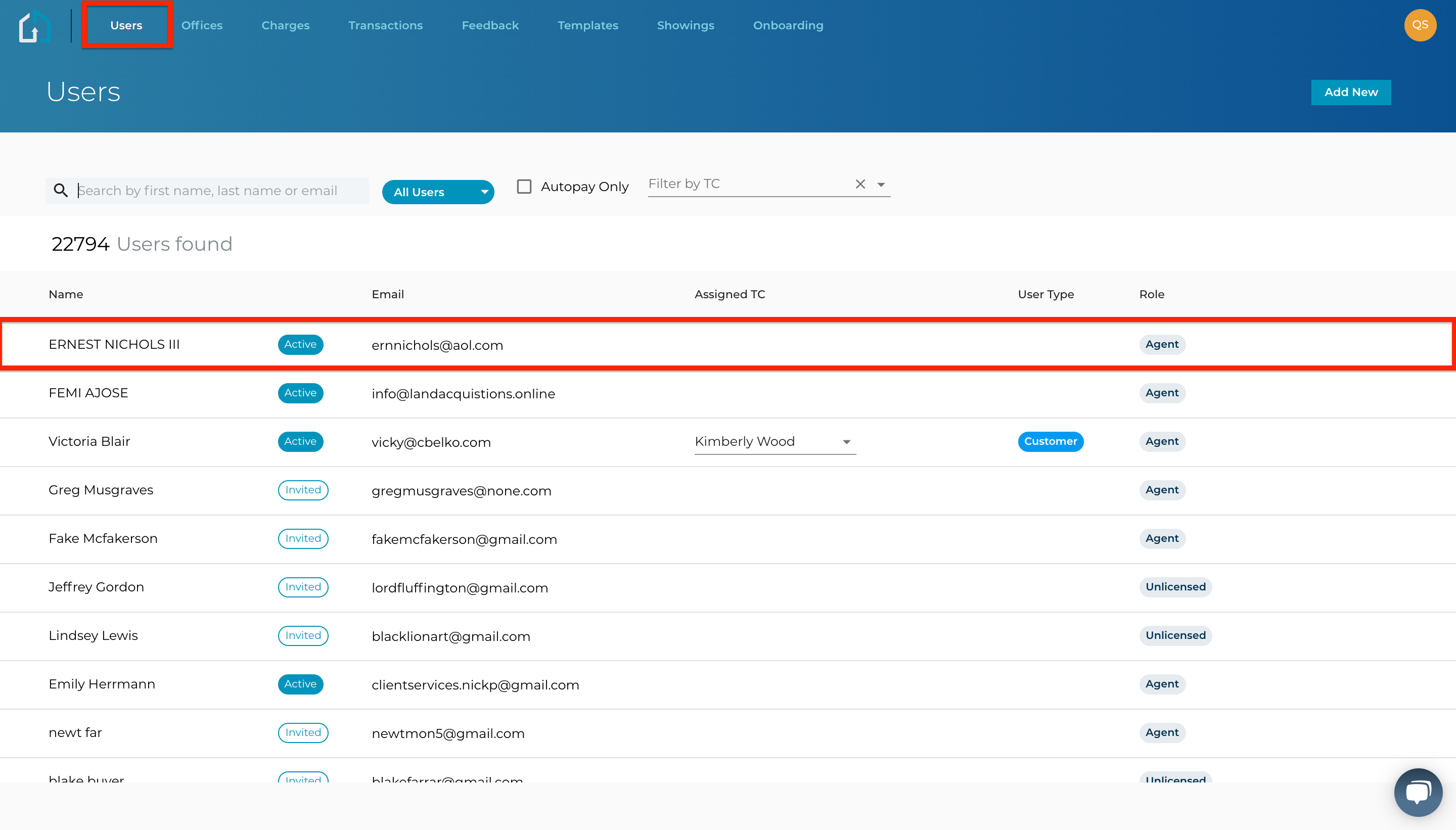
2. Click the Users Tab and click the row of the User you are wanting to Opt Out
3. Select the User's Preferred Vendor tab and uncheck the corresponding checkbox
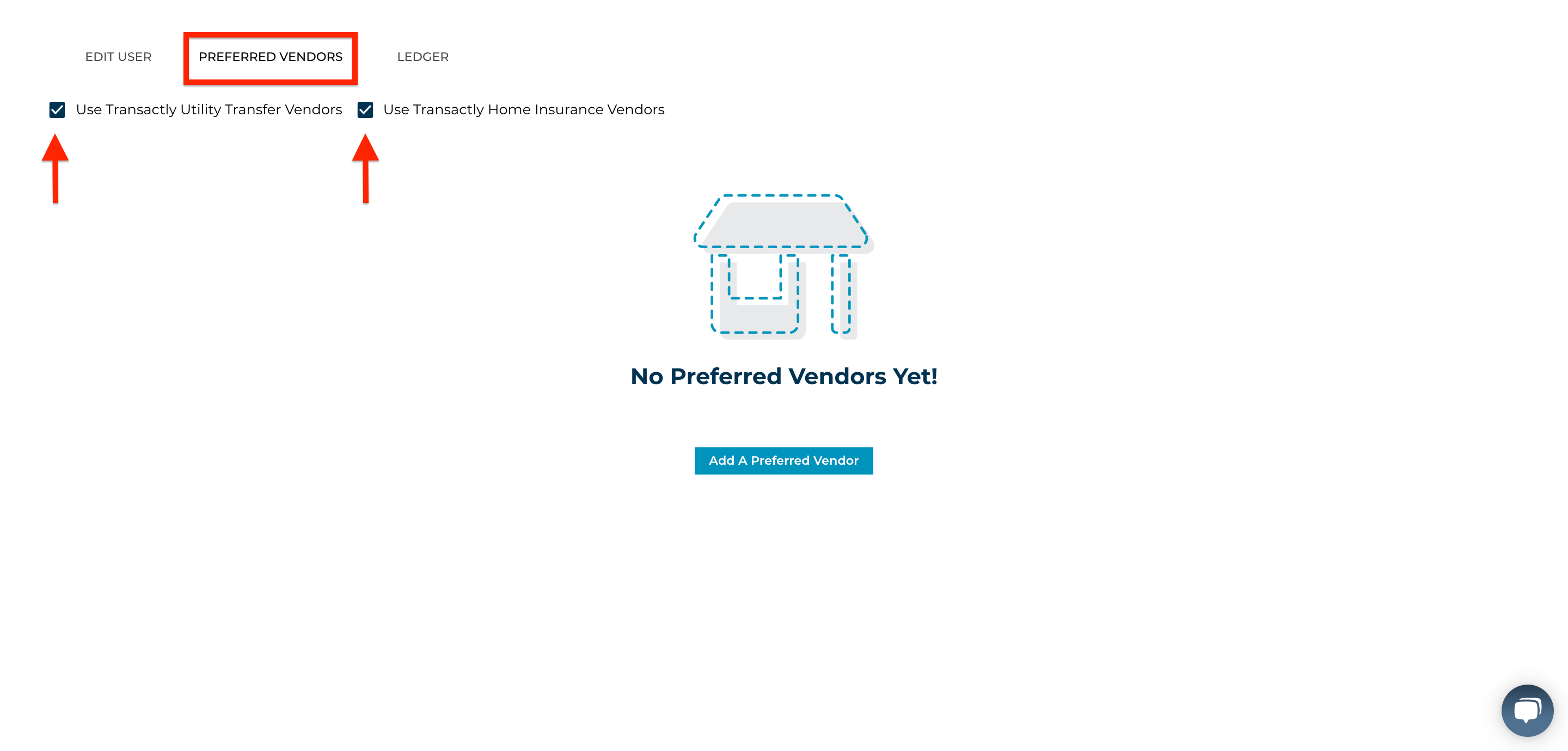
Once unchecked, you are always able to re-enable Connections Service simply by checking the corresponding checkbox again.
Questions about anything on this article?
Contact Support@transactly.com or chat us in the bottom right now.