
"Pay at title" means the client has the closing title company release a paper check to be mailed to Transactly.
Sign in through our admin area. If you do not have a login to the admin area, please talk to the manager of your department.
1. From the Admin login, navigate to the Users tab.
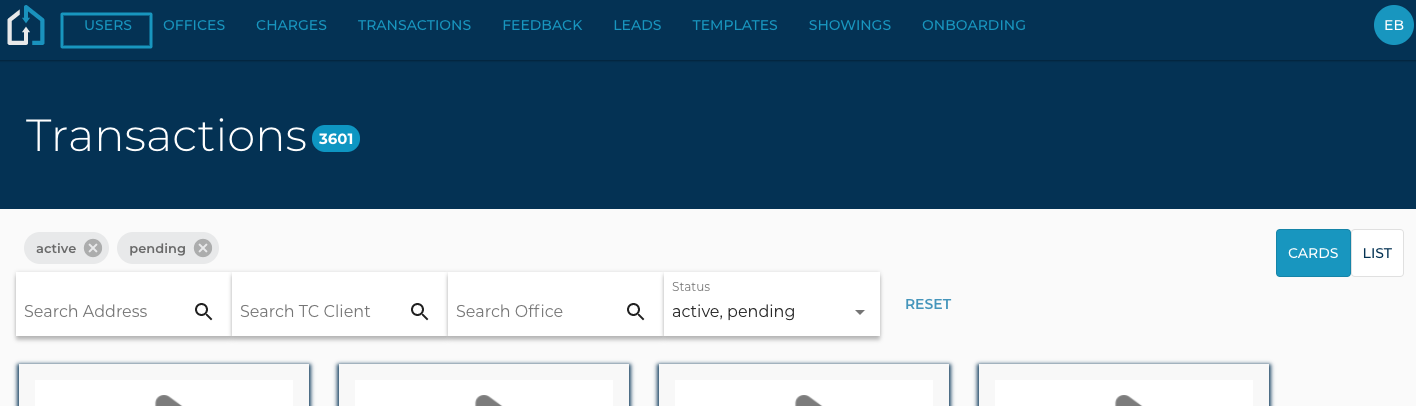
2. Search or filter for a user
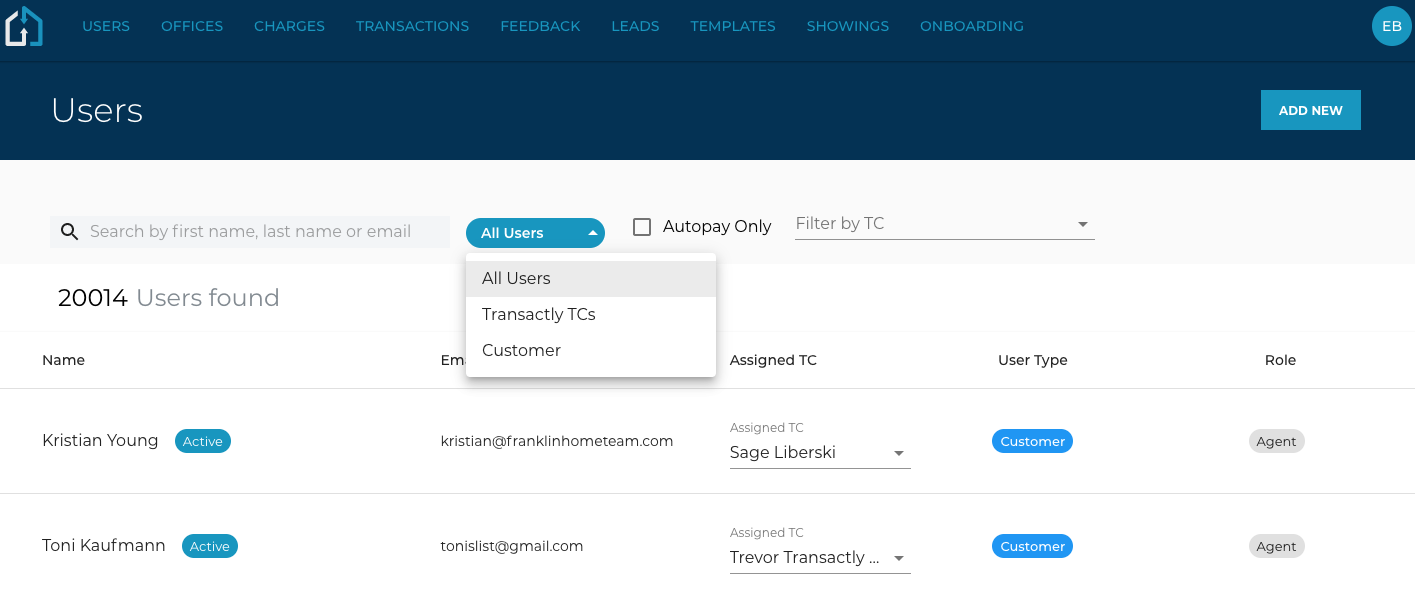
3. Click on the line item of the user you'd like to edit
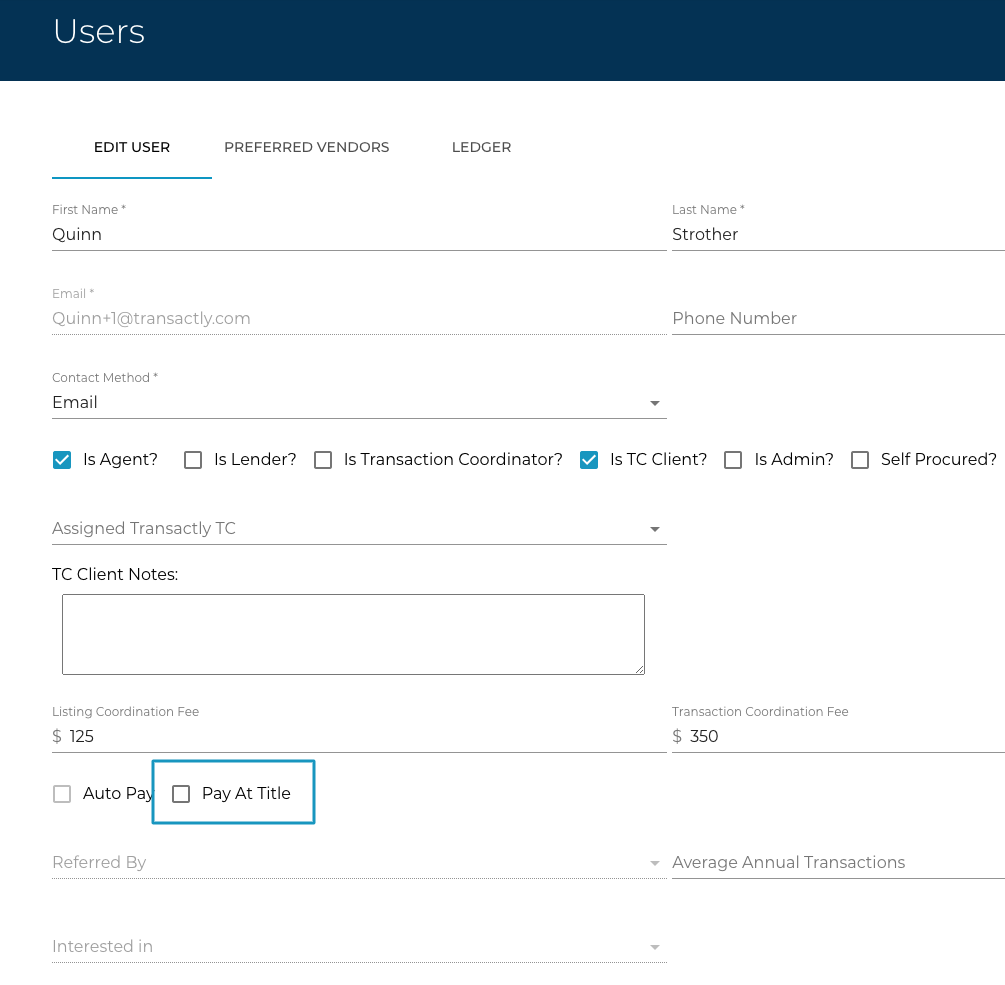
4. Checkmark the Pay at Title checkbox and click Save in the bottom right to confirm.
Pay at Title will suppress invoice notifications.
NOTE:
-If a client is marked Pay at title, the assigned TC MUST be notified so they know to invoice the title company for payment.
-A client will NOT receive a receipt when their payment is posted to the app. This is because receipts are generated from our payment system Stripe, and accounting manually marks pay at title line items as paid and bypasses Stripe.
-Listing Coordination payments CANNOT be paid via title. LC fees are due at the time of the order due to the fact that the listing may never go under contract and/or close.