Login to Transacty as admin
Navigate to the Users tab

Find the User you want to edit
Either by the search bar "Find a User by name" or filter by choosing All Users and selecting Transactly TCs

Choose the User you want to edit
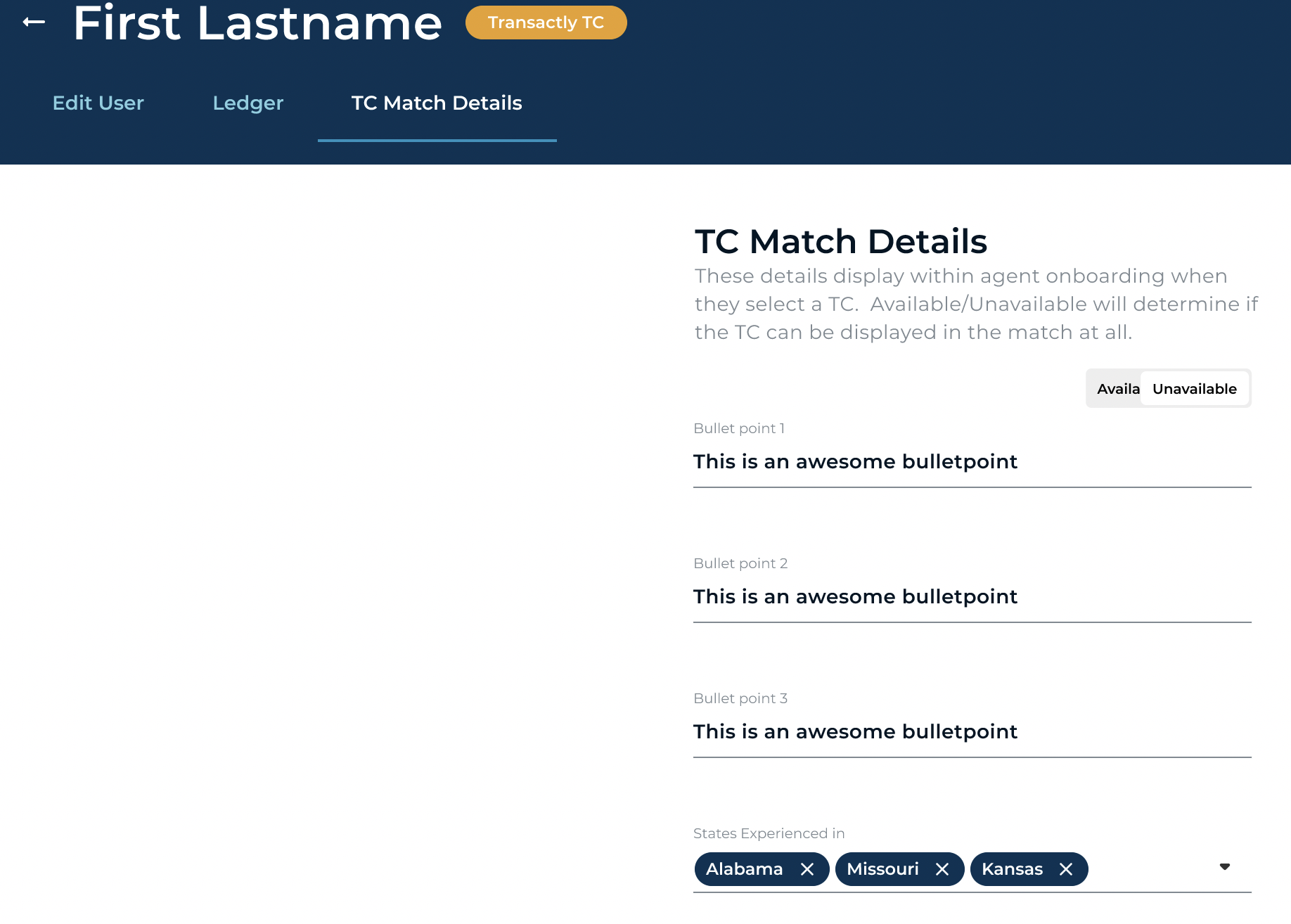
Navigate to the TC Match Details tab and make changes. The bullet points entered here are what will show for the client signing up to help them make their decision. Toggle the Available/ Unavailable for if a TC should show as an available option for a new client.
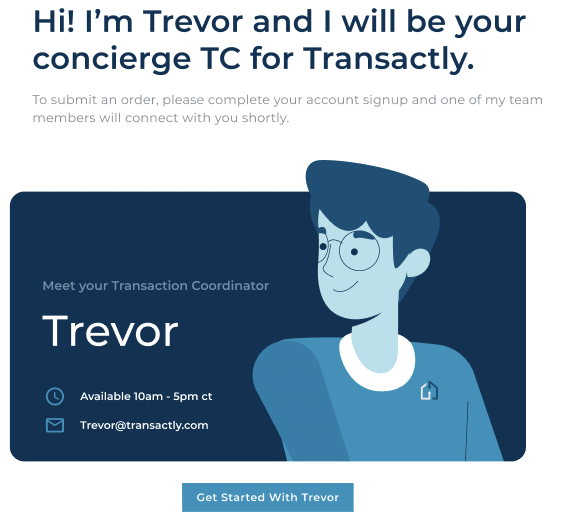
NOTE: If a TC is not available for the client's entered criteria, or if they choose the HELP option, they will be matched with "Trevor" and an email will go to TC@Transactly.com creating a ticket for TC Ops.