
- Transactly Knowledge Base
- Office, Brokerages
How to Edit Offices (Internal)
Sign in through our admin area. If you do not have a login to the admin area, please talk to the manager of your department.
1. In the Admin Area
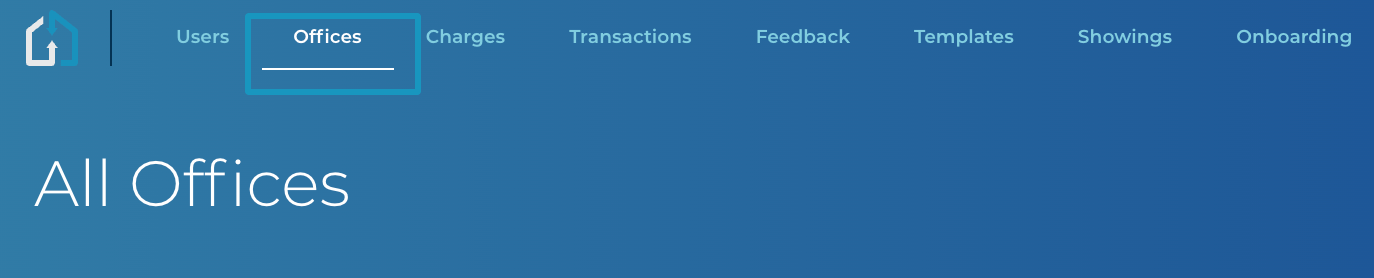
Click the Office Tab and click into the Office that you are wanting to add the Pricing Model to.
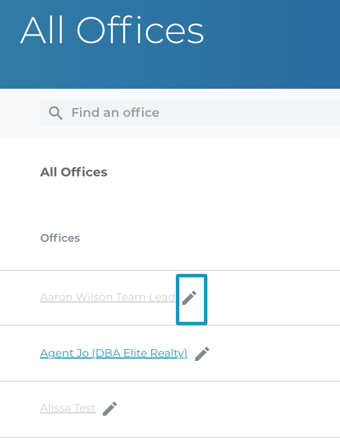
2. Choose the pencil icon for the office you want to edit
Make sure to click "Save" after editing any information so that you will not lose any changes you have made.