
Sign in through our admin area. If you do not have a login to the admin area, please talk to the manager of your department.
1. From the Admin Area
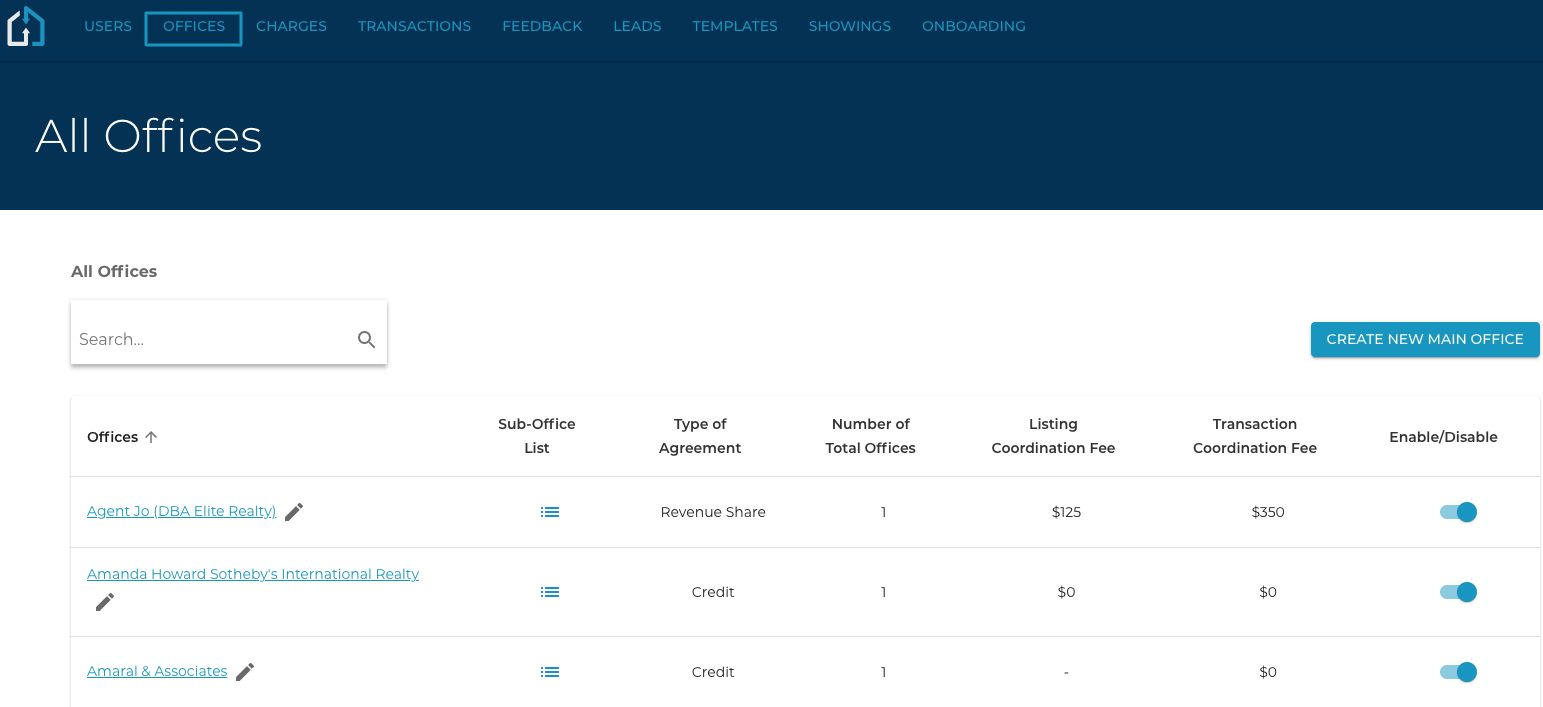
Click the Office Tab and click into the Office that you are wanting to add the Pricing Model to.
2. Within the Office
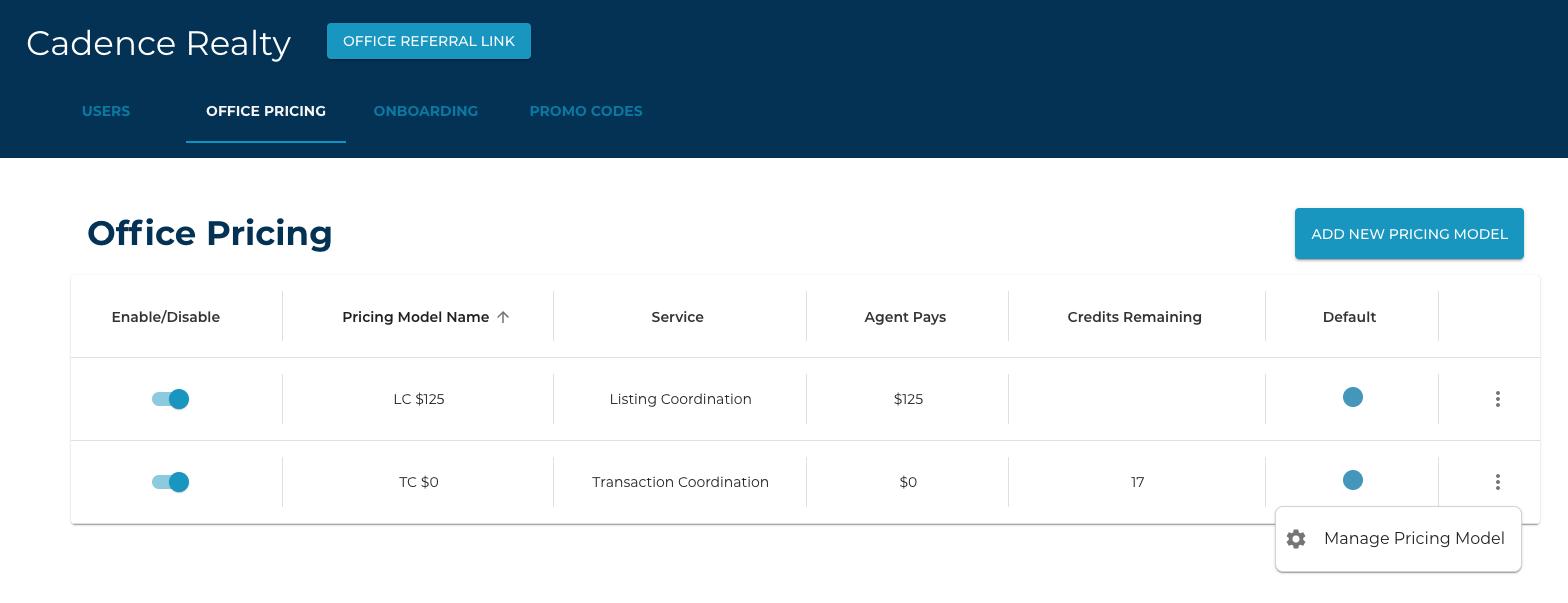
Choose the Office Pricing Tab and select the ellipsis at the end of the line, and select “Manage Pricing Model”.
3. Choose “Add New Credit Bucket”
And complete the pop-up modal by inputting the number of Credits, the amount per credit (Office Pays), and Credits left before the reminder.
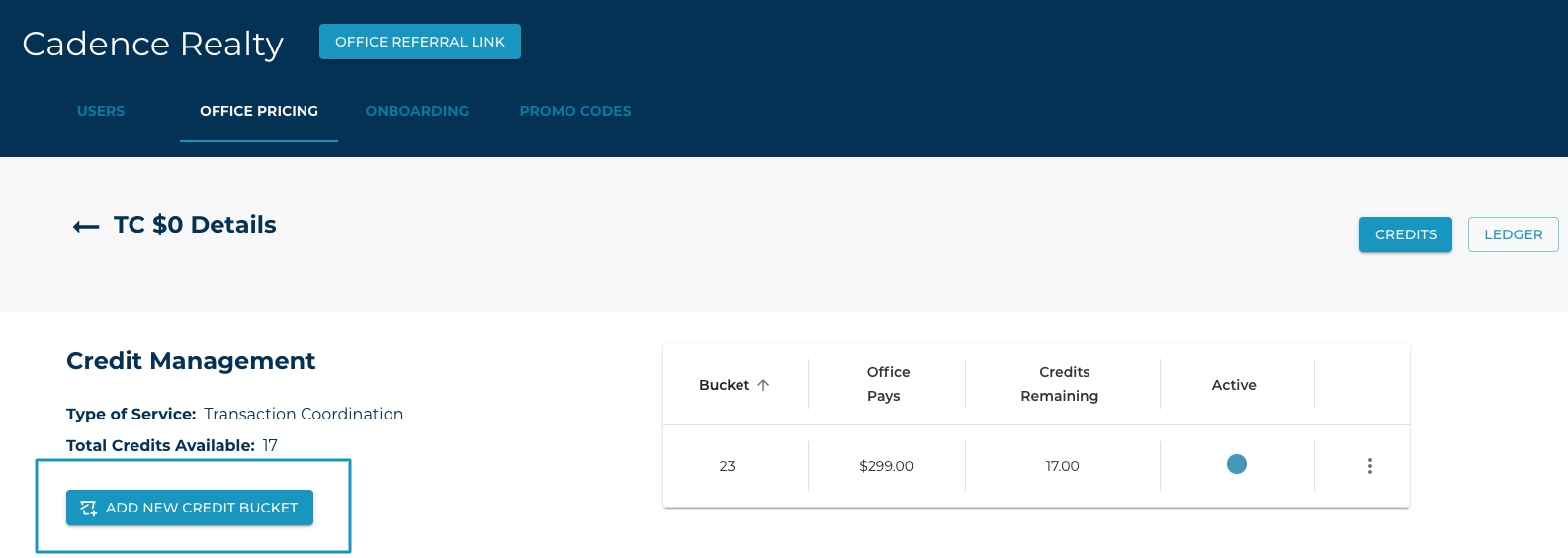
Once you have submitted the credit bucket, it should now be displayed on the screen, as well as the Type of Service and Total Credits available in the Pricing Model will be displayed on the left-hand side of the screen.